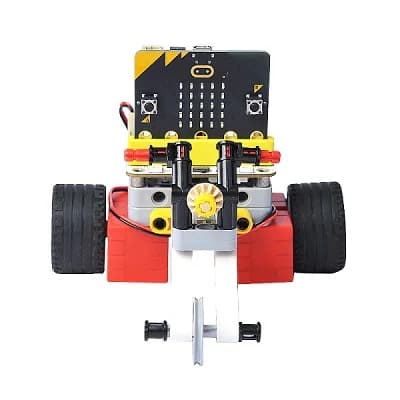
Years 2–5
BlockBots Adventures
A friendly first step into robotics through block coding, guided building, and mini robot challenges.
Ends with: Mini Robot Challenge
View programRoboticscool programs
The robot constructed end in something students can test and explain. We place by year group and experience, then confirm what is available through their school.
Students start with block coding, then build robots that follow a line or find their way through a maze. We place by year group and experience.
A friendly first step into robotics through block coding, guided building, and mini robot challenges.
Ends with: Mini Robot Challenge
View program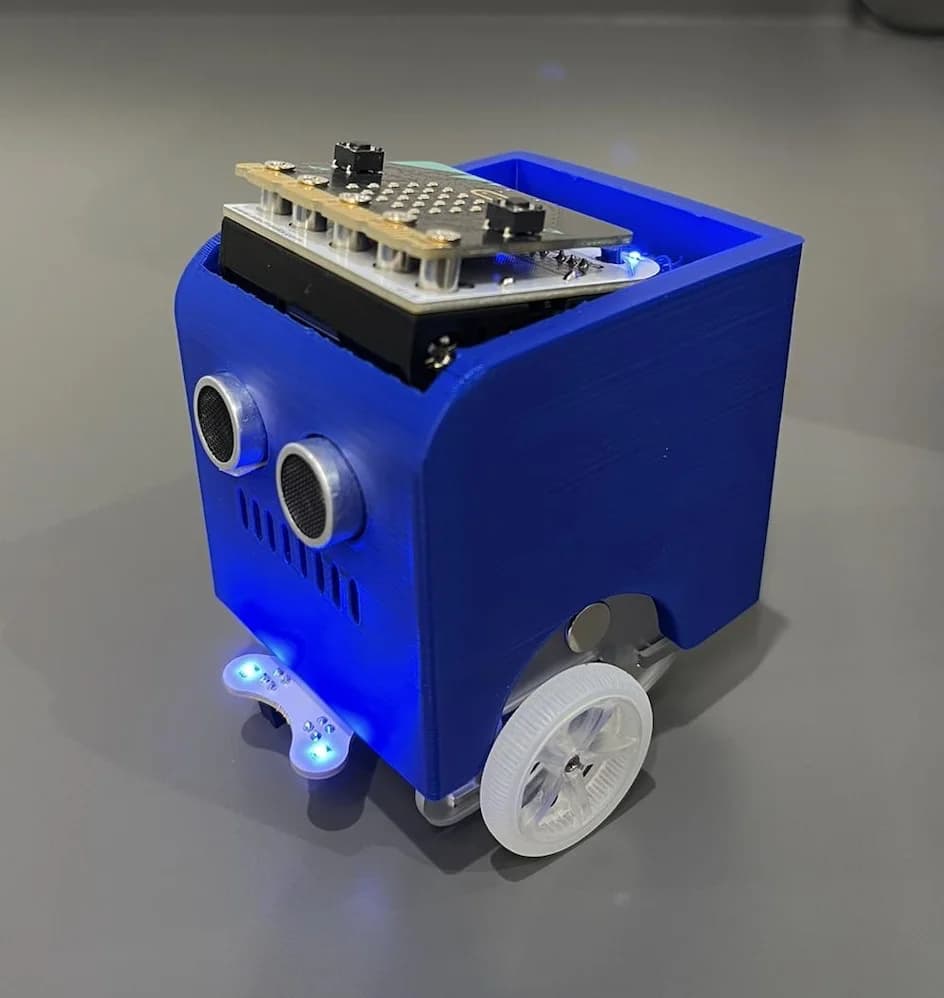
Build a working robot from core parts, connect its electronics, and prepare it for a line-following challenge.
Ends with: Line-Following Challenge
View program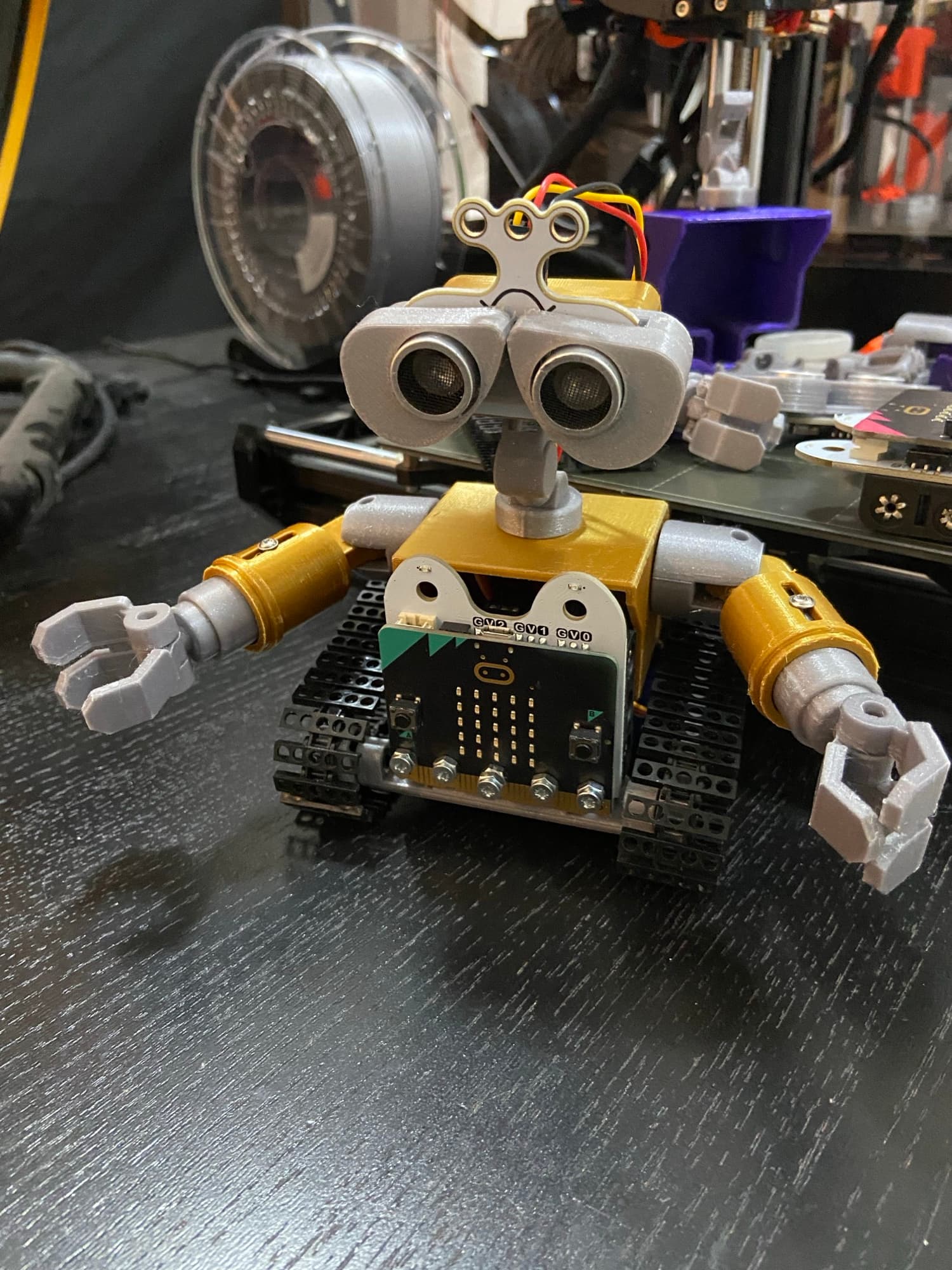
Design and program a characterful Wall-E-inspired robot that senses its surroundings and navigates a maze.
Ends with: Maze Navigation Challenge
View programAfter making robots, older students can wire real circuits, use AI to make a game, or assemble a handheld computer. Availability still depends on the school.
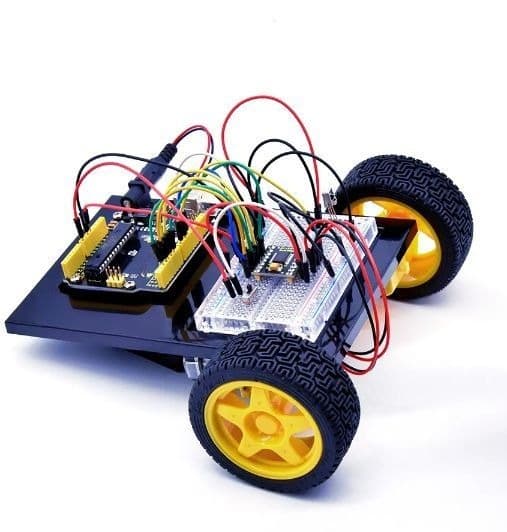
Build 20 starter circuits, then assemble a robot car that follows light, avoids obstacles, and responds to a remote.
Ends with: Robot car they can demonstrate
View program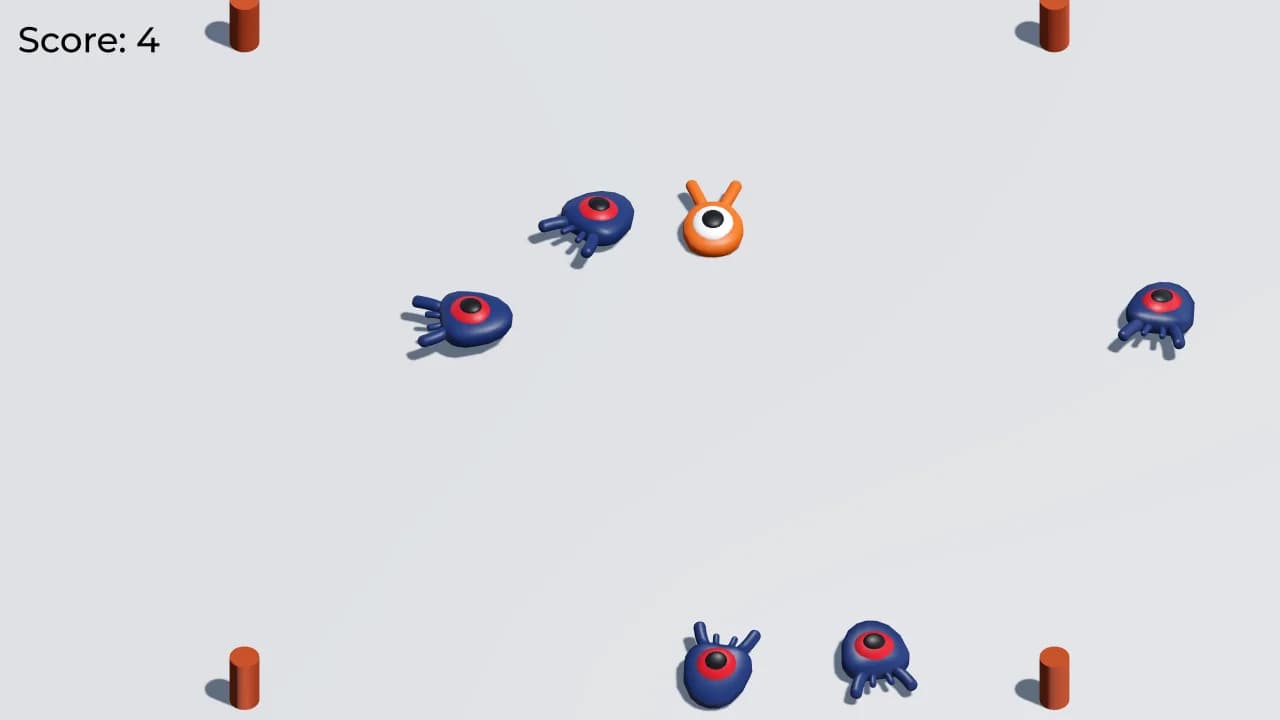
Use AI to help design and build a game, then finish with a playable version students can show.
Ends with: Playable game they made with AI
View program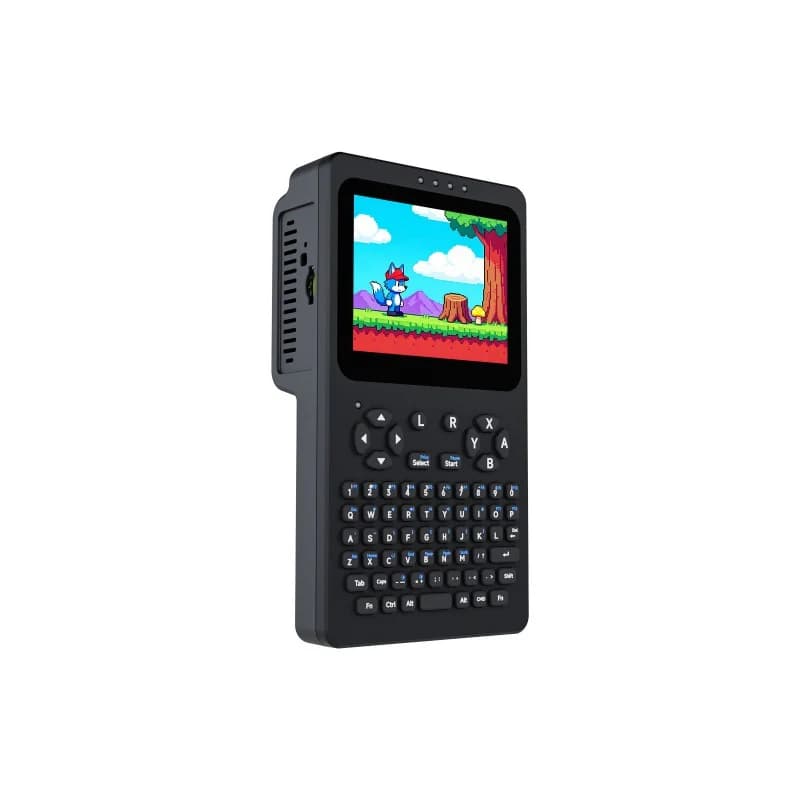
Assemble a handheld computer with a screen, keyboard, and game controls, then use it for games, a small home lab, and an on-device helper.
Ends with: Working handheld computer they can explain
View programCompare the programs
| Program | Year group | Experience | Students build | End challenge |
|---|---|---|---|---|
| BlockBots Adventures | Years 2–5 | No previous robotics experience needed | A programmable beginner robot | Mini Robot Challenge |
| Build Your First Robot | Years 4–8 | Beginner to intermediate | A sensor-equipped mobile robot | Line-Following Challenge |
| Build Your Wall-E Robot | Years 5–8 | Best after Stage 2 or equivalent experience | A sensor-driven Wall-E-inspired robot | Maze Navigation Challenge |
| Arduino Inventor | Years 6–11 | Can follow a simple wiring diagram | Starter circuits plus a sensor-driven robot car | Robot car they can demonstrate |
| AI Game Studio | Years 7–12 | Comfortable on a computer; no game-engine experience needed | A playable game built with AI tools | Playable game they made with AI |
| Pocket Computer | Years 8–12 | Ready to assemble and run a real computer | A pocket Linux computer with games and a home-lab setup | Working handheld computer they can explain |
What every program includes
Students follow a structured process, receive guidance when a build does not work, and finish with something they can test and explain.
Send us their school, year, and previous experience. We'll recommend the most suitable available program.
Ask for a recommendation