Stage 05 · Years 7–12
AI Game Studio
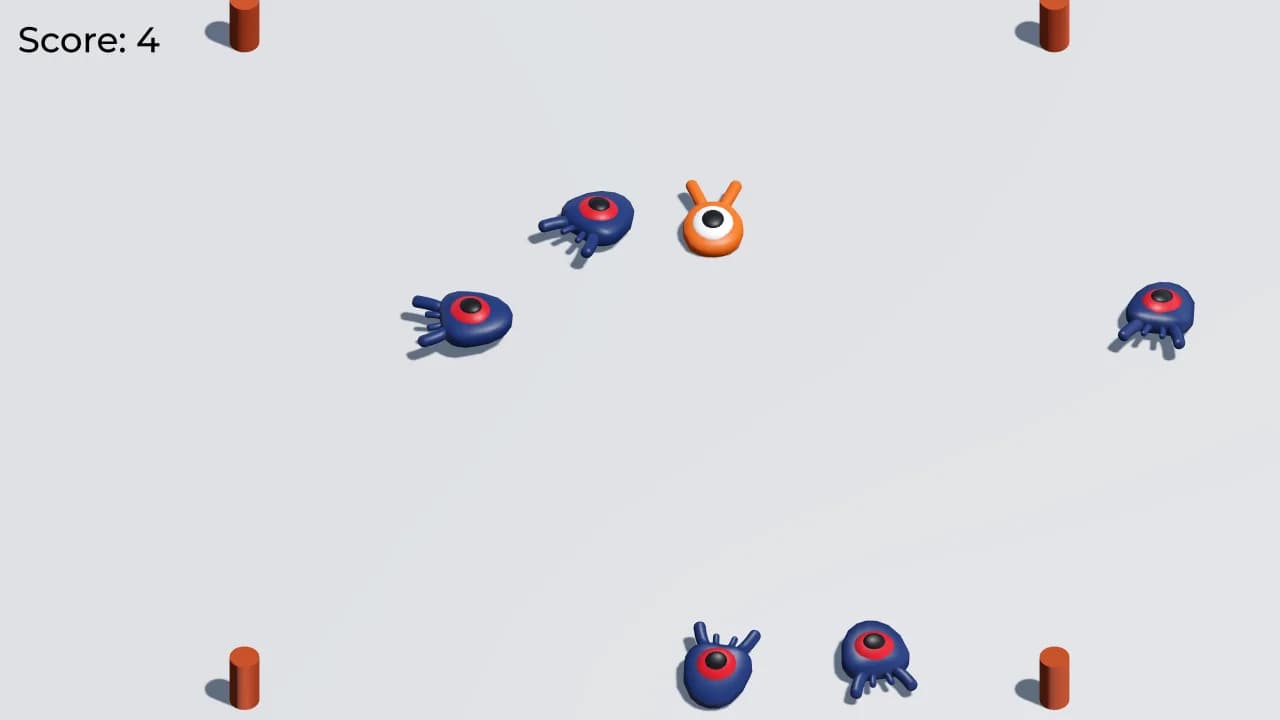
Students use AI as a studio tool for ideas, art, and code help, then they put those pieces into a real game. They choose the rules, playtest what feels fair, fix what the AI got wrong, and ship a build someone else can play. The AI assists. They own the game.
Best for
Comfortable on a computer; no game-engine experience needed
Students build
A playable game built with AI tools
Ends with
Playable game they made with AI
The learning journey
How the build develops.
The exact timetable can vary by school, but every program follows the same progression from idea to tested result.
- 01
Sketch the game idea and decide where AI will help
- 02
Use AI for drafts of art, code, or scenes, then assemble the game
- 03
Playtest and fix what the AI got wrong
- 04
Present a playable build they can explain
Skills students practice
Learning that shows up in the build.
- Game design
- Using AI as a studio tool
- Playtesting
- Shipping a build
What's included
- Guided school sessions
- Computers during class
- Project files
- Playable demonstration
Prerequisite
Comfort using a school computer. Prior coding helps but is not required.
School availability
Is AI Game Studio available at your child's school?
Send us the school and year. We'll confirm availability and explain the next step.