Stage 06 · Years 8–12
Pocket Computer
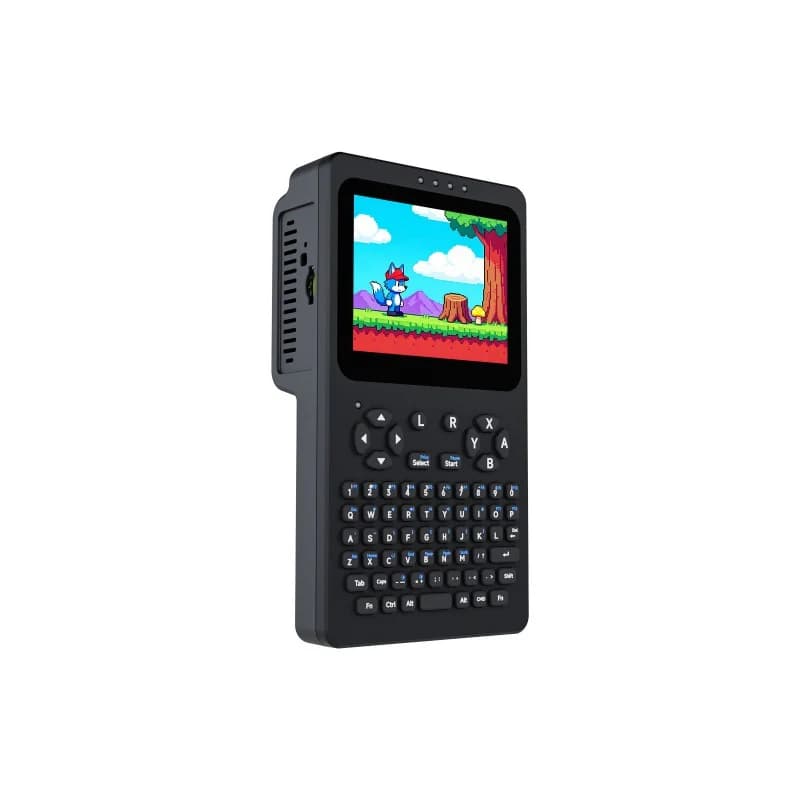
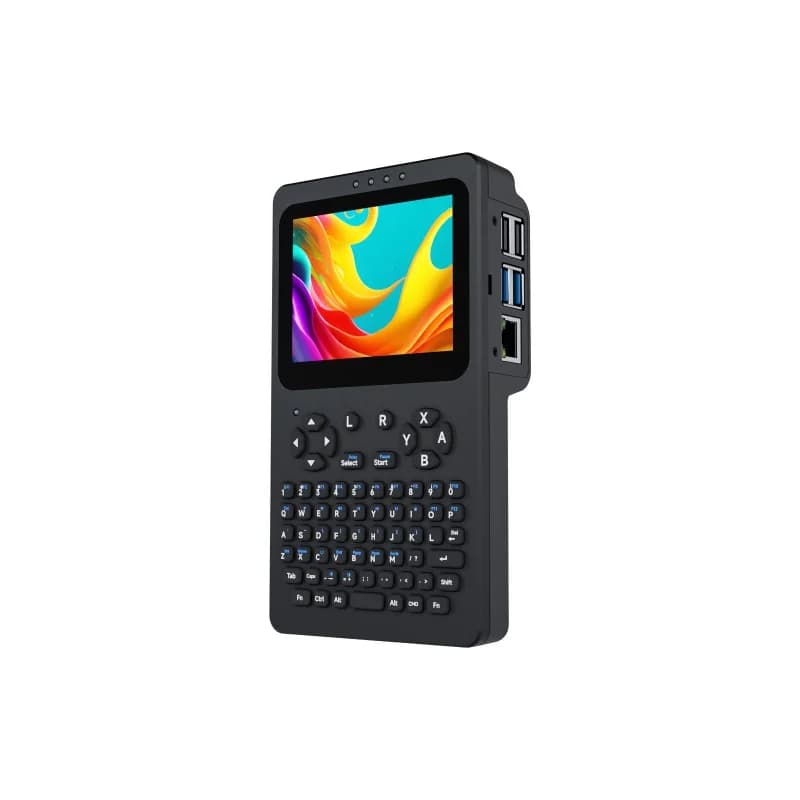
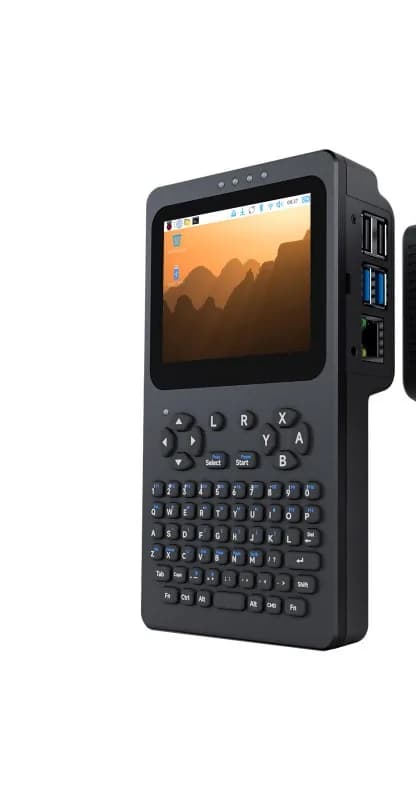
Students put together a pocket-sized Linux computer they can hold: touchscreen, keyboard, and game buttons. They load retro games, run a small service they can reach on a home network, and set up a helper that answers questions on the device itself—without sending everything to the cloud.
Best for
Ready to assemble and run a real computer
Students build
A pocket Linux computer with games and a home-lab setup
Ends with
Working handheld computer they can explain
The learning journey
How the build develops.
The exact timetable can vary by school, but every program follows the same progression from idea to tested result.
- 01
Assemble the handheld computer and get the desktop running
- 02
Load games and learn the keyboard and controls
- 03
Run a small home-lab service on the local network
- 04
Set up an on-device helper and show what stays on the device
Skills students practice
Learning that shows up in the build.
- Computer assembly
- Linux basics
- Retro games
- On-device helper
What's included
- Guided school sessions
- Handheld computer during class
- Setup notes
- End-of-studio demonstration
Prerequisite
Comfort with files on a computer. Arduino Inventor or equivalent experience helps.
School availability
Is Pocket Computer available at your child's school?
Send us the school and year. We'll confirm availability and explain the next step.